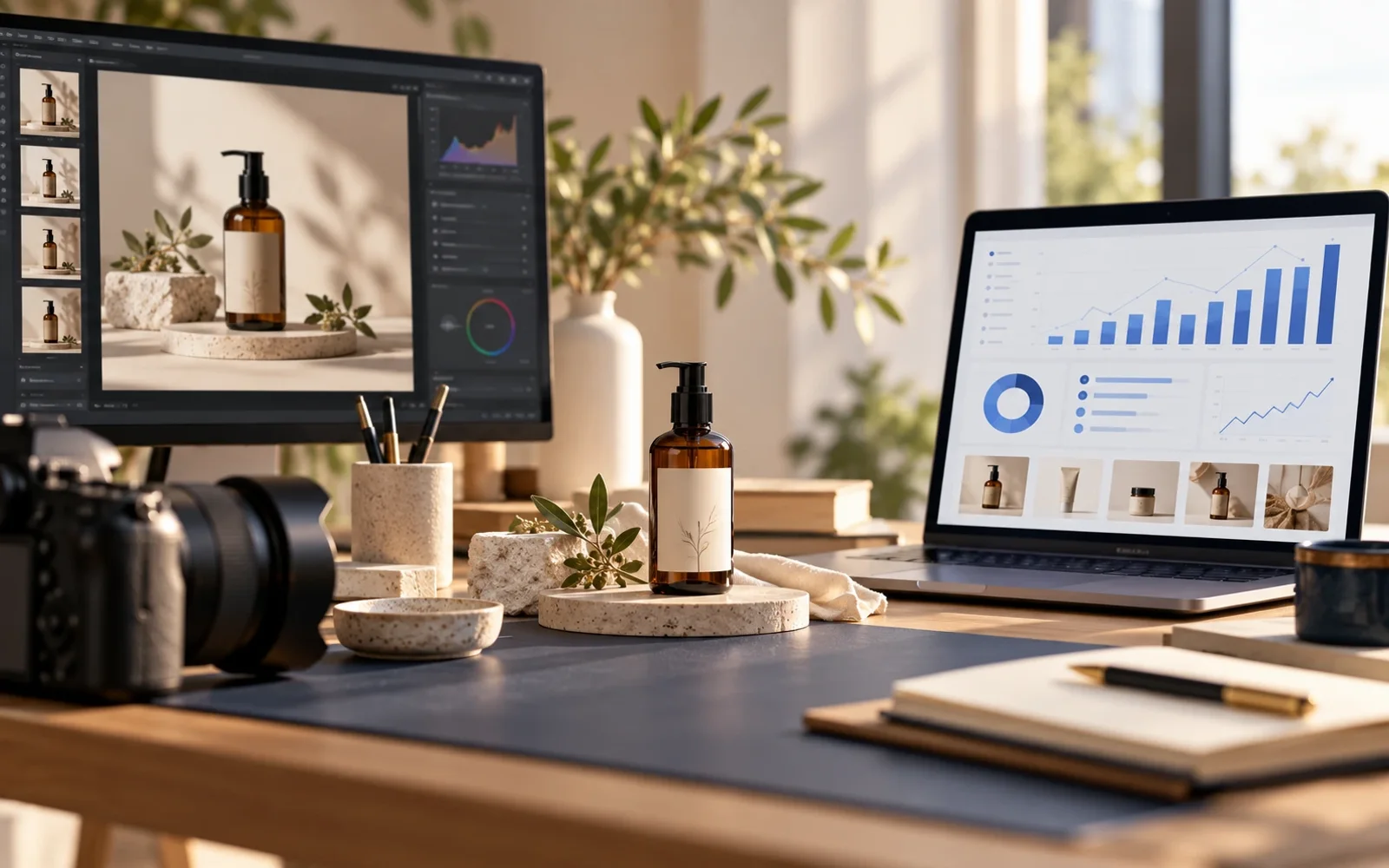
A seller has a useful product photo, but a distracting object sits in the frame and the label is hard to read. Removing the distraction is easy to ask for. Keeping the product, packaging, and labeling accurate is the real test. After the listing changes, the team still needs to understand what happened to the item.
Two tools in the Wicsora ecosystem cover different parts of that work. With eligible access, Yasnora AI can help inspect and edit an image. ProfitVena Product 360 brings listing content, stock, sales, returns, and customer feedback into the same item view. This is a coordinated workflow, not a claim that an edited file is automatically pushed between the products or to a marketplace.
Protect the facts in the image
Start with an image you have the right to use. Ask Yasnora what it can actually see and what is uncertain: product shape, cap color, label, background, and stray objects. Then request a narrow change: “Remove the object on the right and balance the light. Keep the bottle shape, cap color, and label text unchanged.” Compare the full-size result with the original. A generative model can distort small print, colors, or included accessories, so a person must approve the final asset.
On eligible paid plans, Yasnora supports image generation, instruction-based edits, 2× upscaling, background removal, and masked object removal. Operations count against account limits. See the Yasnora image workflow guide and check access in your account.
Review the listing after publication
Publish the approved file through your marketplace's normal process. Record the SKU, date, and source version. In Product 360, review the same item alongside availability, feedback, and commercial performance. If sales rise, the photo may not be the only cause: price, advertising, inventory, and seasonal demand may also have changed. Compare suitable periods and record those other factors.
ProfitVena displays product media and SKU context. This article does not claim a live image editor inside ProfitVena or automatic marketplace upload from Yasnora. Yasnora helps prepare the visual; ProfitVena helps assess the item and the economics around the decision.
How to start
Choose one SKU with a clear photo problem. Keep the original, make one constrained edit in Yasnora, check the labeling and marketplace rules, then publish through the normal listing workflow. After a planned interval, review the listing and related metrics in ProfitVena without attributing every change to the image.
FAQ
Can I edit the photo inside ProfitVena? The verified Product 360 view shows product media and analytics; an in-app photo editor is not claimed here.
Will the edited image be sent to the marketplace automatically? No automatic handoff is claimed. This workflow includes human review and the marketplace's standard publishing steps.
Will Yasnora preserve every label detail? There is no such guarantee. Compare the output with the original, especially fine print and regulated labeling.
Do I need a paid plan? Yasnora's generation and editing operations require an eligible paid plan and use account limits. Check the current terms in your account.